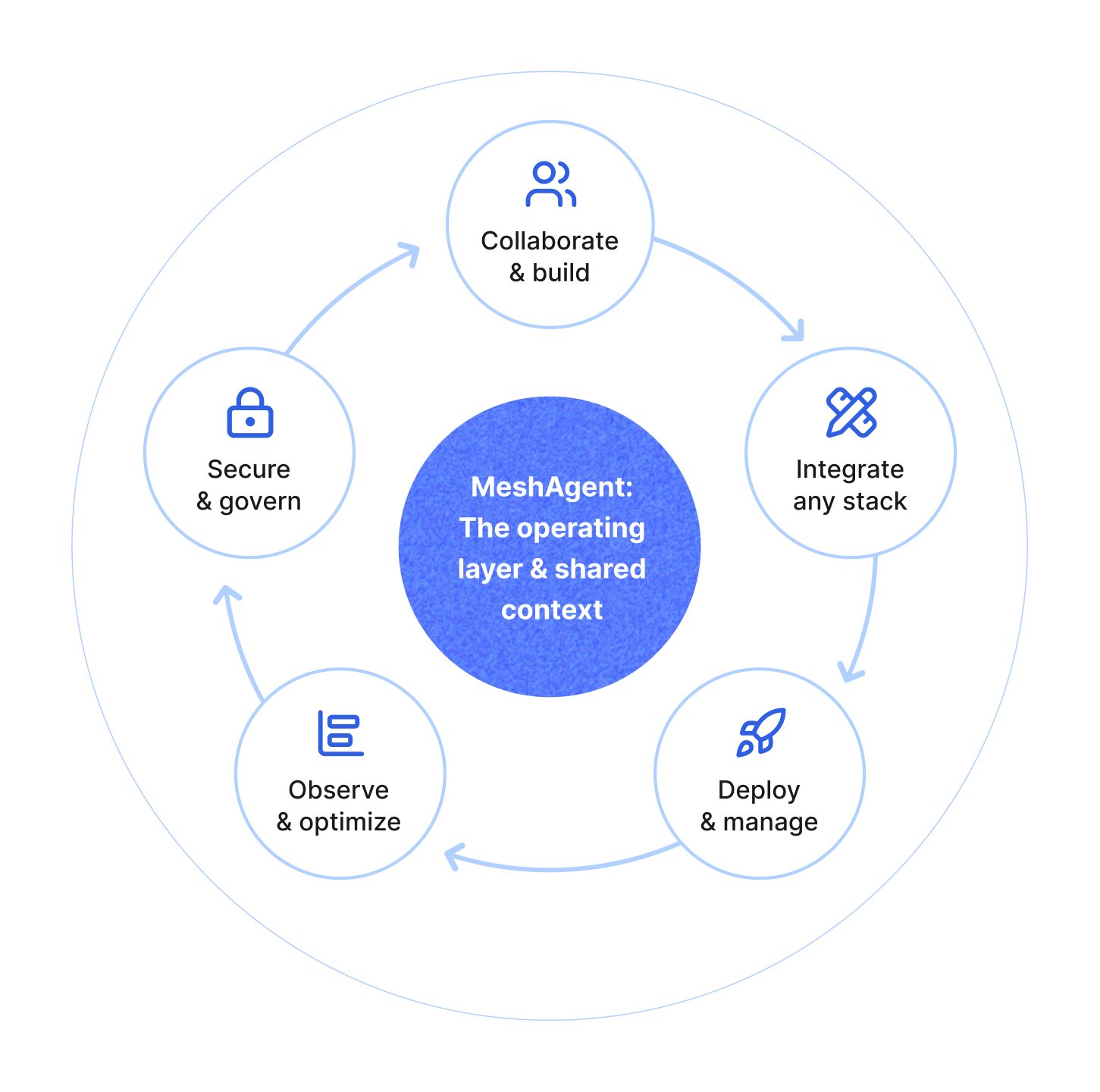
MeshAgent 0.38 makes four common workflows easier: signing into multiple MeshAgent environments from one CLI, building and deploying room services to a project scoped registry, launching local Codex or Claude clients through MeshAgent, and inspecting LLM proxy usage and app behavior more directly.
MeshAgent 0.38 adds profile-aware CLI settings with multi-account support and per-profile API URLs.
That means you can log into more than one MeshAgent environment, switch between them, and keep the right API URL attached to each profile instead of rewriting local state every time you move between cloud, staging, or self-hosted setups.
meshagent auth login --api-url https://api.meshagent.com
meshagent auth switch
This release also adds deployment config models and a get_config() API call so the SDK and CLI can retrieve the active MeshAgent domain and registry settings directly. The setup wizard now only reuses an authenticated session when the requested API URL matches the active API URL, which avoids a subtle but painful class of wrong-environment mistakes.
The value is operational: if you use MeshAgent across local, staging, production, or self-hosted environments, the CLI now carries the environment boundary with the profile instead of making you remember which local token and API URL happen to be active.
MeshAgent 0.38 replaces the older meshagent image build-and-deploy path with top-level meshagent build and meshagent deploy commands.
meshagent build . --room myroom --tag assistant:dev
meshagent deploy . --room myroom --tag assistant:dev
These flows now resolve registry hosts from deployment config or the active API URL, normalize shorthand image tags to the right project registry, and can auto-create missing repositories with clearer permission-aware guidance. Instead of making the user know the registry host and repository shape ahead of time, the CLI derives them from the active MeshAgent environment.
meshagent deploy now waits for deployment readiness by default, streams container logs, and can verify route liveness when you provide a domain. Image inspection is more detailed too, with richer metadata and manifest information exposed through the CLI and SDKs.
That matters when deployment fails. The command now gives you more of the evidence you need at the point of deployment instead of forcing you to jump between registry state, service state, and container logs.
One important behavior change is worth calling out: runtime containers no longer inherit Dockerfile ENV values implicitly. If your service depends on an environment variable at runtime, pass it explicitly during deploy.
MeshAgent 0.37 made LLM proxy access more explicit through participant llm grants. MeshAgent 0.38 builds on that foundation by making proxy setup, local tooling, and usage inspection easier to operate.
MeshAgent 0.38 adds meshagent launch codex and meshagent launch claude for launching your local Codex or Claude client preconfigured for the active MeshAgent project through the MeshAgent proxy.
meshagent launch codex
meshagent launch claude
These commands start your local client with the MeshAgent project and proxy settings wired up, so requests can route through MeshAgent's configured provider access and usage tracking.
This pairs with other CLI and SDK improvements in the 0.38 line: meshagent auth token can print the current access token, the meshagent setup wizard handles LLM proxy access and tool setup more directly, and usage APIs now support filtering by user, room, provider, model, and usage type. Apps can also call can_use_llm_proxy or canUseLlmProxy before showing direct proxy workflows that depend on that permission.
The provider adapters also got cleaner at the routing edge. OpenAI and Anthropic adapter calls normalize extra headers and only send Meshagent-On-Behalf-Of when a valid name is present. In practice, that makes proxy traffic easier to attribute and less likely to carry malformed identity metadata.
For teams using MeshAgent as the control plane around coding agents or LLM proxy access, this makes it easier to start local tools with the right project settings, inspect auth state, check whether a user can use the proxy, and filter usage by the dimensions admins want to investigate.
MeshAgent 0.38 also delivers real app-building improvements in the web and Flutter SDKs.
For React teams, the main gain is fewer room-state edge cases to own in application code. Room connections get better retry and backoff behavior, authorization hooks are more capable, and hosted toolkits are shared per room so apps do not accidentally start duplicate toolkit hosts. The Tailwind chat UI is also rebuilt around the product behaviors teams usually need next: multi-thread conversations, agent-driven thread creation, file attachments, LiveKit support, and room participant helpers.
For Flutter teams, the main gain is that room UI can react to the same permissions and participant changes the backend already knows about. The SDKs add llm_proxy to the full OAuth scope set, make LoginScope default to that fuller scope, surface container ports in the dev UI, and improve participant-driven updates in thread lists and user-facing widgets. The client also exposes LLM proxy usage and filtering so Flutter apps can inspect that data more directly.
Image generation workflows also become easier and safer to build into products. Image-generation tool events now emit binary image results, persist them with metadata to the images database, and redact inline image payloads from event data. That gives apps useful image records without pushing large generated payloads through every event consumer.
Taken together, these changes make MeshAgent easier to embed in real products. The CLI is better for operators, proxy usage is easier to govern and explain, and the app SDKs do more of the work needed to build a reliable room-based experience.
Join our Discord community to keep up with MeshAgent releases, ask questions, and share feedback with the team.
Check out the MeshAgent documentation to start building today!

MeshAgent Studio, SDK, and Server give you everything to build, test, and deploy agentic applications, from development to production.