The MeshAgent room database gives every room its own persistent tables so agents, tools, and humans can share state without relying on external services. This guide walks through the core workflow for adding a table, loading data, and interacting with it from both the CLI. You can also interact with the database through the MeshAgent SDK.
A room database is a real LanceDB database, supporting tables, schemas, SQL, and vector search, that lives inside the room. You can assign read and write permissions per participant, so only the people and agents you grant access to can use it. No external service to set up, no connection strings to manage. It just comes with the room.
Tables support strongly typed columns — scalars, lists, structs, and vectors. You can query with SQL or the built-in search helpers, create scalar, full-text, and vector indexes, and roll back to any previous version if something goes wrong. Everything available in the CLI is also available to agents through RoomClient.database.
1. Create a table with a typed schema from the CLI
2. Insert, query, and update rows using both SQL and the search helper
3. Create scalar, full-text, and vector indexes
4. Give a MeshAgent ChatBot agent access to read and update the table you created
1. MeshAgent CLI installed. Follow the instructions at docs.meshagent.com/cli/getting-started.
2. Run meshagent setup from the terminal to authenticate and connect to a default project.
Create a room if you do not already have one: meshagent rooms create --name my-room --if-not-exists
List existing tables (this also proves your credentials and room are valid:
meshagent room database tables --room my-room
If you see No tables found., the room is ready for a fresh schema. You may also see existing tables like "email" if you've added the assitant with the built in mailbox to your room.
Define a minimal schema with the CLI’s --columns parser. The example creates a room_notes table with authored text and optional vector embeddings for similarity search:
meshagent room database create \
  --room my-room \
  --table room_notes \
  --columns "note_id int, title text, body text, tags list(text), embedding vector(1536) null"
Key options:
1. --mode create|overwrite|create_if_not_exists controls how the server handles conflicts (default is create).
2. You can supply JSON schema via --schema-json or from a file with --schema-file if you prefer authored definitions over the column DSL.
meshagent room database inspect --room my-room --table room_notes
Expect output similar to:
room_notes
  note_id: {'type': 'int', 'nullable': True}
  title: {'type': 'text', 'nullable': True}
  body: {'type': 'text', 'nullable': True}
  tags: {'type': 'list', 'nullable': True, 'element_type': {'type': 'text', 'nullable': True}}
  embedding: {'type': 'vector', 'nullable': True, 'size': 1536, 'element_type': {'type': 'float', 'nullable': True}}
Insert a few rows directly from the CLI. The --json payload must be a list of objects:
meshagent room database insert \
  --room my-room \
  --table room_notes \
  --json '[{"note_id": 1, "title": "Agenda", "body": "Discuss launch blockers", "tags": ["meeting", "launch"]},
           {"note_id": 2, "title": "Follow-ups", "body": "Send kickoff deck and timeline", "tags": ["action-items"]}]'
Later you can upsert with meshagent room database merge --on note_id --json '...' or run bulk inserts from a file via --file data.json.
Use the purpose-built search helper for quick filters:
meshagent room database search \
  --room my-room \
  --table room_notes \
  --where "array_has(tags, 'launch')" \
  --pretty
For richer analytics, register tables with the SQL runner—each --table flag exposes a table name or alias inside your query:
meshagent room database sql \
  --room my-room \
  --table room_notes \
  --query "SELECT note_id, title FROM room_notes ORDER BY note_id"
The SQL client supports parameter binding through --params-json and joining multiple tables by repeating --table.
Any MeshAgent agent launched through the CLI like the chatbot or task-runner can be granted database toolkits. Here’s a chatbot example that lets the model read and update the table:
meshagent chatbot join \
  --room my-room \
  --agent-name room-notes-bot \
  --require-table-write room_notes
Note: --require-table-write automatically includes read permissions, so you don’t need to pass --require-table-read separately.
Once the chatbot is connected go to MeshAgent Studio, open the room my-room, select the room-notes-bot, try a prompt such as:
“Look up any launch-related notes in the room_notes table and summarize them. If nothing matches, add an entry reminding us to follow up with the launch PM.”
The agent will call the read tool to search for existing rows. If none match, its follow-up write will insert a new record using the same API the CLI exposes.
With these patterns you can reach the room database through the CLI and easily expose these capabilities to agents!
Join our Discord Server to stay up to date with MeshAgent releases, ask questions, and share feedback with our team.
Check out the MeshAgent documentation to start building today!

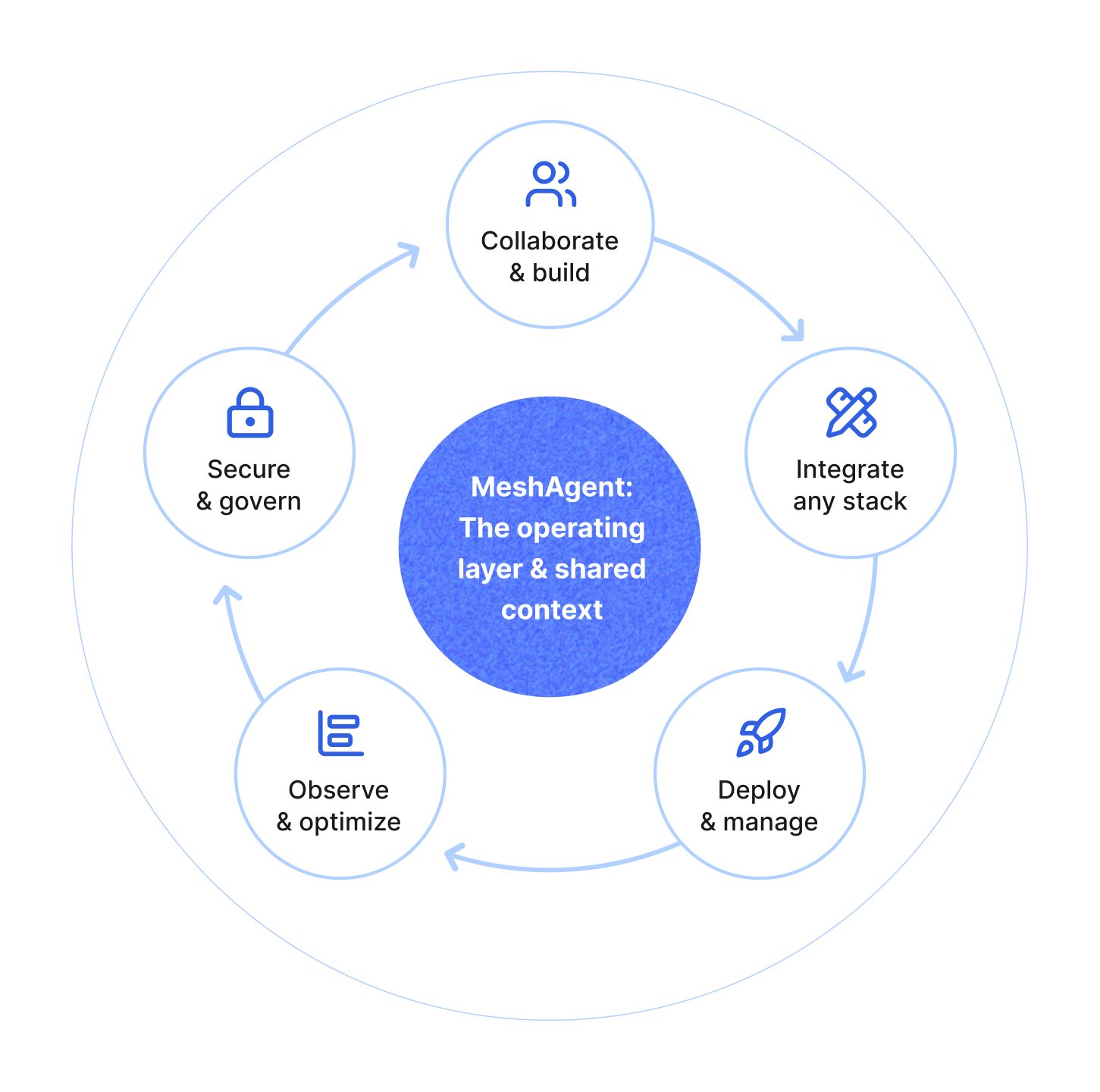
MeshAgent Studio, SDK, and Server give you everything to build, test, and deploy agentic applications, from development to production.