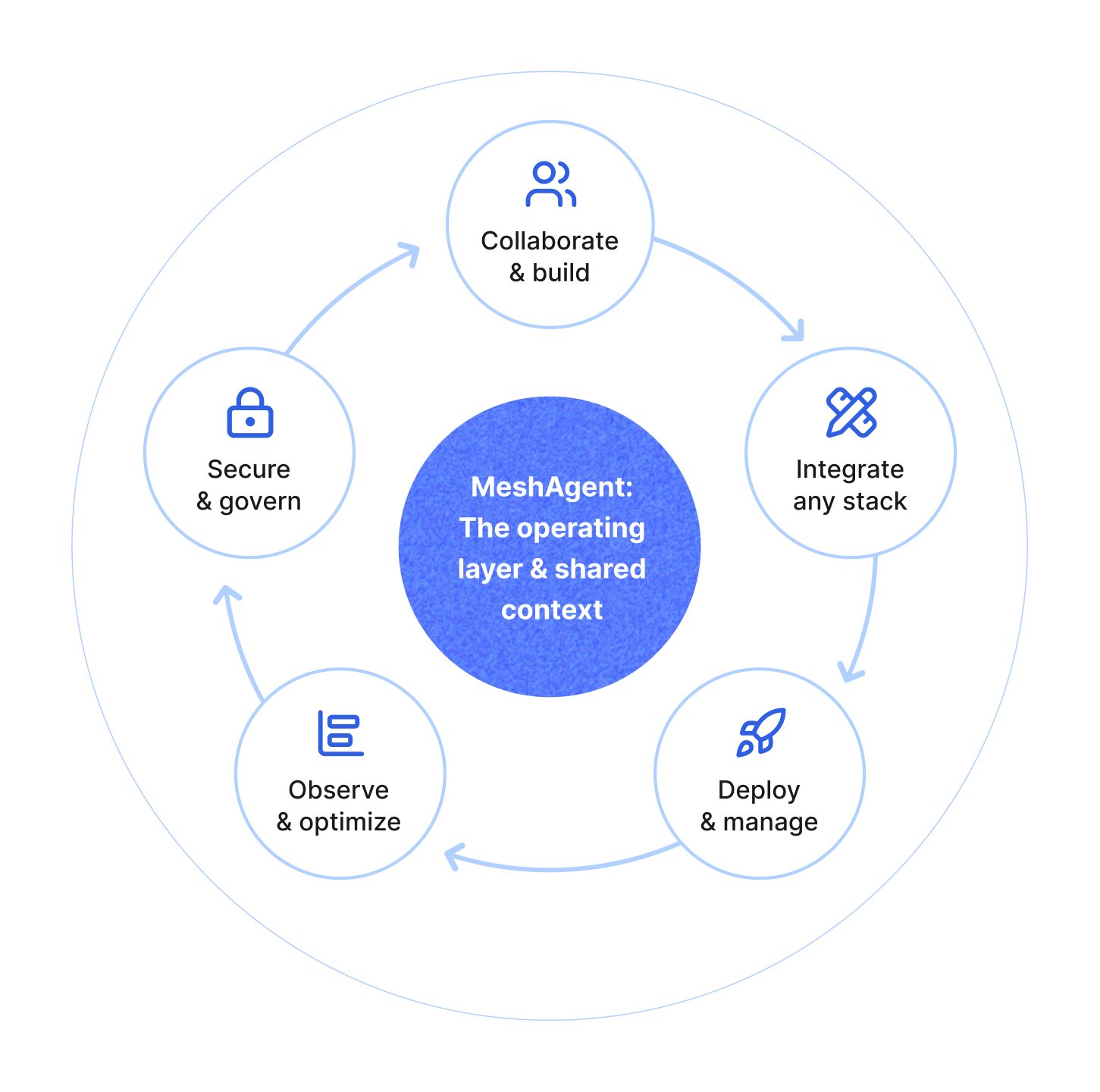
Powerboards is an AI-native application built on the MeshAgent platform. It gives teams a ready-made place to use agents together, without building an entire application from scratch. You can start using it today with built-in agents, or make it your own by deploying custom agents and adapting the app itself.
Powerboards builds on MeshAgent Rooms: secure, shared workspaces where people and agents share context and collaborate in real time. When you create a Room in Powerboards, you’ll have four built-in agents available to install and use, plus the option to add your own agents by deploying them with MeshAgent or installing them from a link.
In this post you’ll learn the Powerboards essentials: how to create a Room, use the built-in agents, invite teammates, add files for shared context, and customize agent behavior for your team.
To get started you’ll need a MeshAgent account, which gives you access to both MeshAgent and Powerboards. Head to powerboards.com or app.powerboards.com to sign in or sign up. Once authenticated, create a project. Projects organize your work and can contain multiple Rooms, each with its own set of agents and team members. Next, create a new Room and you’re ready to go! As soon as you create a Room, you can install any or all of the built-in agents: Assistant (for chat), Transcriber (for meetings), Voice (for breakout rooms), Developer (for code).
Most collaboration tools make you start from zero. Powerboards doesn't. Every Room includes agents designed for the work teams actually do, from answering questions to capturing meetings to writing code.
The Room assistant is your team's shared general-purpose agent. It can answer questions about files in the Room, summarize discussions, search the web, and follow custom rules you define. If you want it to always respond in a certain way, or prioritize certain information, you can set that behavior and everyone sees it. It’s multiplayer by default so your entire team can chat with it in the same conversation and it knows when to respond.
The meeting transcriber captures live conversations and produces clean transcripts in real time. Decisions, context, and discussions stay accessible after the call ends instead of disappearing into someone's notes.
The developer agent has access to a sandboxed environment where it can explore files, run scripts, and help build or debug alongside your team. It's not just explaining code, it's working directly in the environment.
The voice agent lets you think out loud in one-on-one breakout sessions. Ask questions, capture ideas, or steer work hands-free.
All four agents are part of the same Room and can be used by your entire team. Collaboration isn't siloed across different tools, it happens in one shared workspace.
Rooms are designed for teams. Once you've created a Room, invite teammates by email and set their permissions level. When they join, they see the same agents, the same files, and the same context you do.
This is different from most tools, where each person has their own isolated conversation with an AI agent. In Powerboards, everyone works in the same space. If someone adds a file, the agents can reference it. If someone customizes an agent's rules, the whole team benefits. Context isn't fragmented across individual accounts, it's shared by default.
Agents are only as useful as the context they have. In Powerboards, you can upload files directly to the Room, and every agent with file access can use them.
Files aren't locked to a single agent or conversation. They're part of the Room's shared context, which means any agent with file access can work with them and any teammate can reference them. Upload a requirements doc once, and the Room assistant can summarize it, the developer agent can reference it while writing code, and your team can ask questions about it without reuploading.
Built-in agents are useful immediately, but they're even better when you customize them. Every agent in Powerboards follows rules that anyone on the team can view and edit.
Want the Room assistant to always cite sources? Set a rule. Need the developer agent to follow specific coding standards? Add it to the rules. Want the voice agent to respond in a certain way? Define the behavior.
Rules are transparent and shared. Anyone in the Room can see what rules are set and suggest changes. This keeps agent behavior aligned with how your team actually works, and makes it clear why an agent behaves the way it does.
You're not stuck with default behavior or hidden prompts. If an agent isn't doing what you need, you can adjust it—and those changes apply for everyone.
Most AI tools treat agents as assistants you interact with one-on-one. Powerboards treats them as teammates who collaborate alongside humans in shared workspaces.
When you create a Room, you get working agents immediately. When you invite your team, they can start collaborating right away. When you upload files, every agent can reference them. When you customize behavior, everyone benefits.
You're not building infrastructure, managing authentication, or figuring out how to make agents work together. You're just working.
Ready to try it? Sign up for Powerboards and create your first Room today.

MeshAgent Studio, SDK, and Server give you everything to build, test, and deploy agentic applications, from development to production.